ezsub
Photoroom

Photoroom

Photoroom Pro (1-Month Membership Top-Up)

Independent third-party subscription service.This service is independently provided by EzSub and is not the official website of the related brand.

Membership Subscription
Instant Delivery
Secure & Reliable
24/7 Support

Plan

Photoroom Pro(30 days)$13.03Official $19.8434%Off
Delivery methodManual top-upWe top up your account
Estimated delivery5-60 minutesReady after top-up

Product Details

Photoroom

Turn everyday photos into product visuals

Remove backgrounds, create new scenes and edit product photos in batches. Prepare images for your shop, listings and social posts with Photoroom.

Visit Photoroom: photoroom.com

Hero image

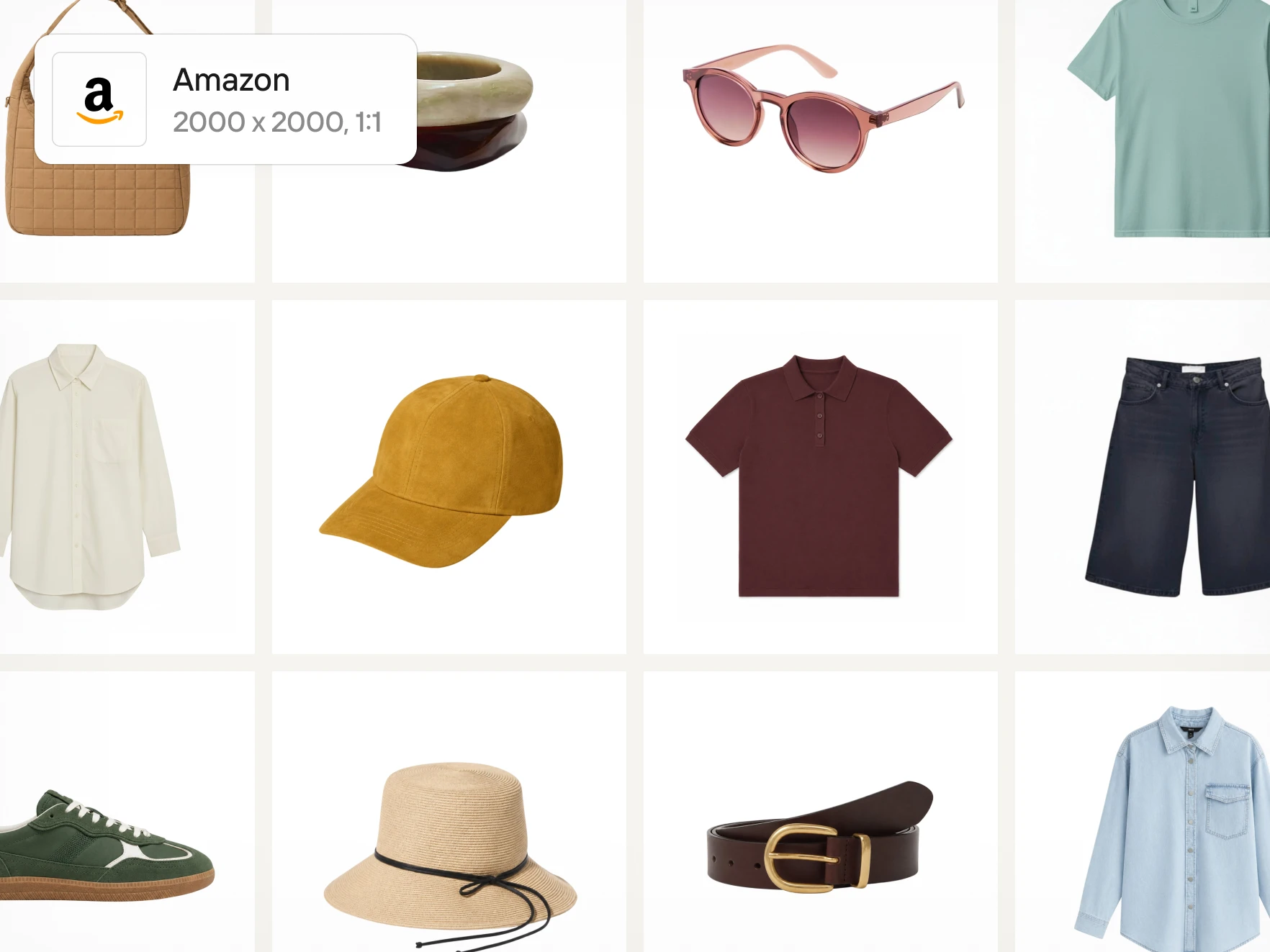
A clean background puts your product first

Isolate your subject and replace a busy background with white, a solid color or transparency. Create clean listing photos for clothing, accessories and everyday products.

Background removal

One workflow for a whole collection

Apply edits across multiple product photos to keep backgrounds and framing consistent. AI backgrounds also help you explore new scenes for campaigns and seasonal collections.

Batch editing
AI credits, batch export limits and available tools follow the selected plan and the account display. A shared account does not provide a separate personal allowance.

Choose how you subscribe

Shared Pro account

Choose 30 days or 1 year. Receive the login details for a shared account with an active Pro subscription.

Top up your own account

A 1-month Pro top-up is applied to your own Photoroom account. Enter the correct account and password in the purchase form before paying.

Delivery and order status

Shared account: automatic delivery, estimated 5–30 minutes. Find the account and password in your order details.

Top-up: manual processing, estimated 5–60 minutes. Check progress and completion in your order details.

Start creating

  1. Sign in with the delivered shared account, or use your own account after the top-up is complete.

  2. Check that Pro is active, upload a photo and choose background removal, background editing or batch processing.

  3. Review the image before exporting and save the finished file to your device.

Subscription coverage

Both options include subscription coverage for the purchased term. If the subscription becomes unavailable during that term, contact EZSUB support with your order and a screenshot. Account bans are not covered.

After delivery, returns and exchanges are unavailable when there is no product defect.

FAQ

What is the difference between the two options?

The shared option provides a Pro account for 30 days or 1 year. A top-up adds 1 month of Pro to your own account.

When will my order be ready?

Shared accounts are delivered automatically in an estimated 5–30 minutes; manual top-ups take an estimated 5–60 minutes. Find login details or top-up updates in your order details.

What do I need for a top-up?

A 1-month Pro top-up is applied to your own Photoroom account. Enter the correct account and password in the purchase form before paying.

Are AI generations and batch exports unlimited?

AI credits, batch export limits and available tools follow the selected plan and the account display. A shared account does not provide a separate personal allowance.

How do I start using Photoroom?

Sign in with the delivered shared account, or use your own account after the top-up is complete. Check that Pro is active, upload a photo and choose background removal, background editing or batch processing. Review the image before exporting and save the finished file to your device.

What does the coverage include?

Both options include subscription coverage for the purchased term. If the subscription becomes unavailable during that term, contact EZSUB support with your order and a screenshot. Account bans are not covered. After delivery, returns and exchanges are unavailable when there is no product defect.