ezsub
Biorender

Biorender

iTunes Gift Card-$10

Independent third-party subscription service.This service is independently provided by EzSub and is not the official website of the related brand.

Membership Subscription
Instant Delivery
Secure & Reliable
24/7 Support

Type

iTunes Gift Card
Google Play Gift Card

Region

United States
Hong Kong, China
Taiwan, China
Japan
Australia
Germany
United Arab Emirates

Denomination

10USD$12.29Official $13.328%Off
20USD$24.28Official $26.649%Off
50USD$54.17Official $59.208%Off
100USD$108.78Official $118.408%Off
200USD$215.79Official $235.328%Off
500USD$537.10Official $592.009%Off
Delivery methodSelf redemptionCode sent automatically
Estimated delivery5-30 minutesFollow the steps to redeem

Product Details

iTunes Gift Card

Add balance for the apps and content you enjoy

Redeem a digital code to your own Apple Account for App Store apps, games, and supported digital content and subscriptions. Choose the card region that matches your account, then select the amount you need.

Digital codeAutomatic deliveryRegion-specific

The gift card region must match the country or region of the Apple Account used for redemption.

Visit App Store: apps.apple.com

Blue App Store and iTunes gift card illustration

Card artwork is illustrative. This product is delivered as a digital redemption code.

Plan your app, game, and subscription spending

Get the apps and games you enjoy

Add account balance for learning, creative tools, productivity apps, or games, and choose purchases that accept Apple Account balance.

Keep balance ready for digital services

Use it for Apple Music, iCloud+, and other subscriptions that accept account balance, or buy music, movies, and other digital content available in your region.

Available content, eligible subscriptions, and any requirement for an additional payment method depend on your account region and the checkout page.

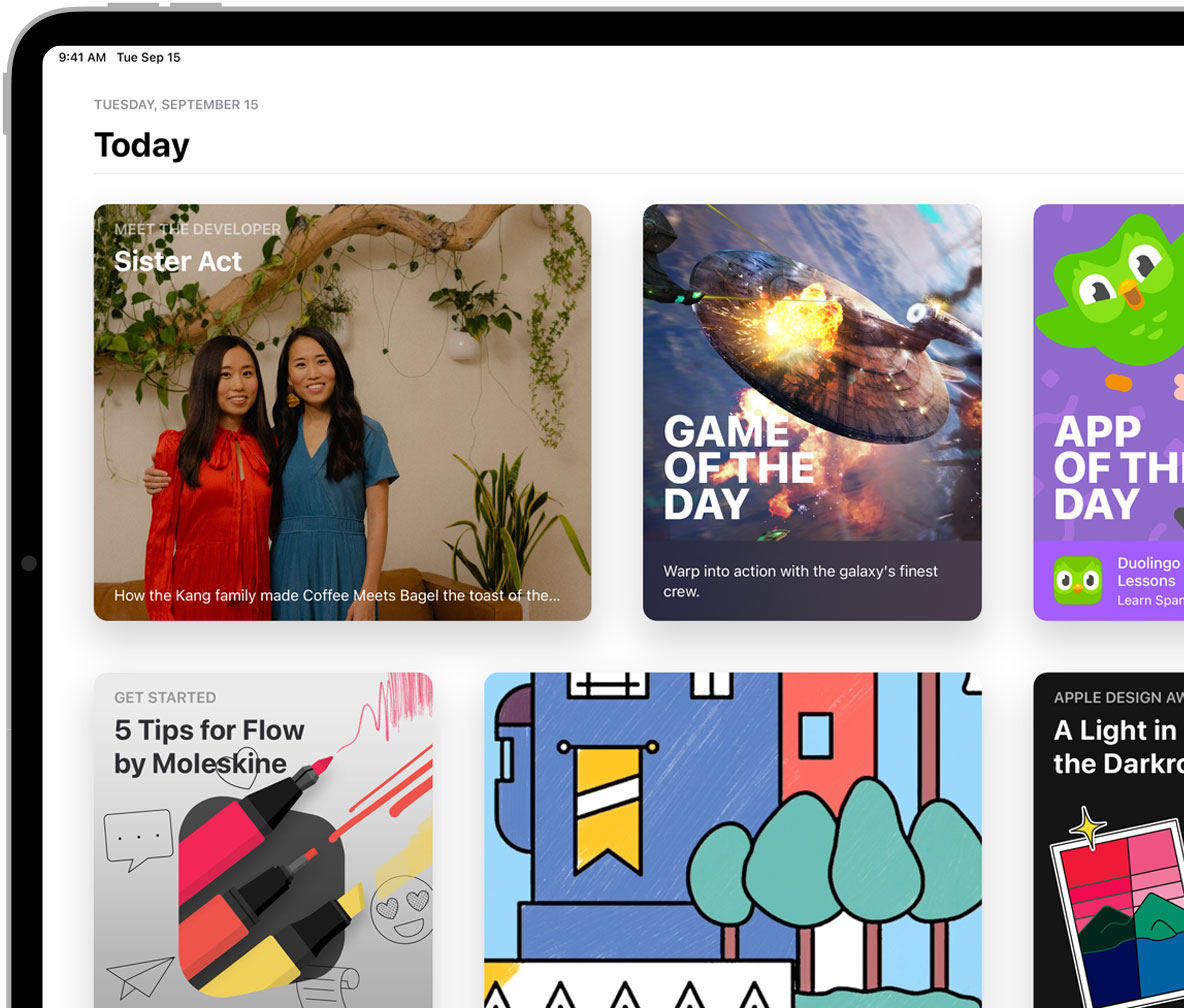
Apps and games displayed in the App Store

Illustrative App Store screen. Available purchases depend on your account.

Check these three points before buying

Check the region:Use the region of the Apple Account used for App Store purchases and redemption. Your device language and physical location do not replace this account setting.

Check the amount and currency:The region, amount, currency, and price are determined by the product option selected at purchase and your order.

Check the receiving account:Once redeemed, the balance is added to the account used for that redemption. Confirm that you are signed in to your intended account before submitting the code.

Redeem in the App Store to your own account

  1. Open the App Store. Check the Apple Account used for Media & Purchases and its country or region.

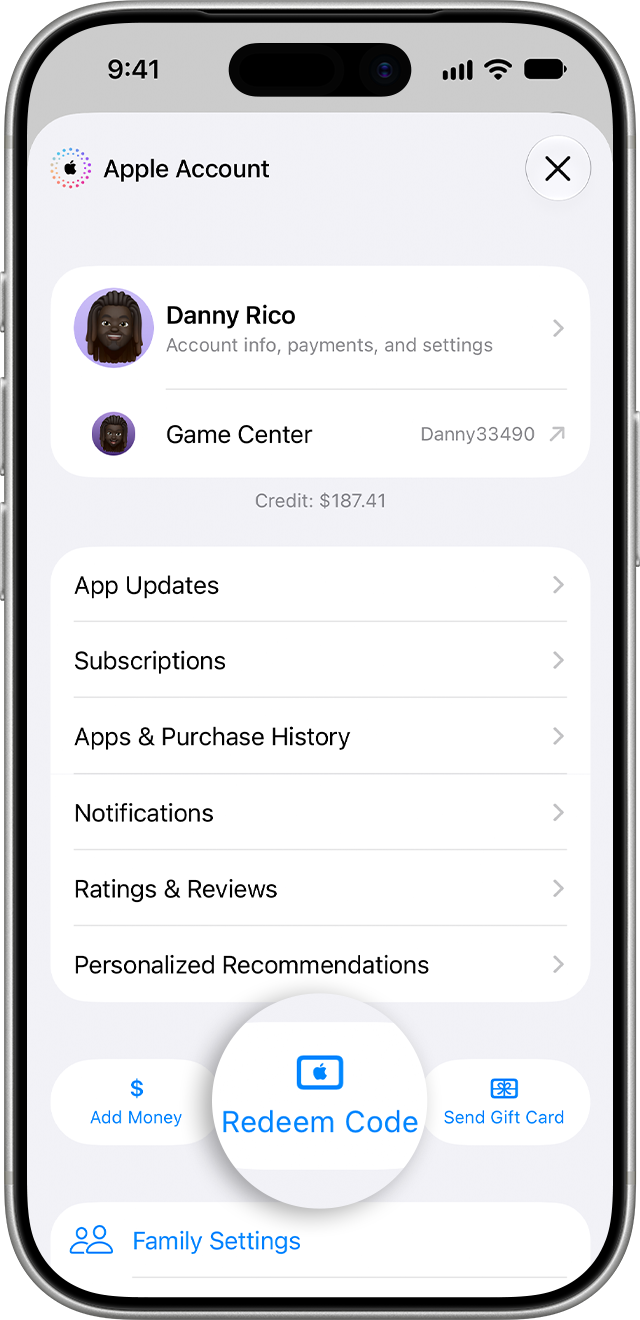
  2. Tap your profile picture to open your account, then select Redeem Code.

  3. Choose the manual entry option, paste the digital code from your order, and tap Redeem.

  4. Check your updated account balance and use it for purchases that accept this payment method.

Redeem Code option on the App Store account screen

Select Redeem Code. The interface and balance shown are examples.

Digital code delivery and support

Your digital code is delivered automatically after successful payment and can be viewed in your order. An account and a physical card are not included.

ezsub guarantees that the code is valid when delivered. No refunds or exchanges after successful delivery. Contact customer support to verify a code issue.

Provide your order number, a screenshot of the error, and the time it occurred. Share a full redemption code only when needed in a private conversation with customer support.

FAQ

iTunes Gift Card FAQ

Region selection, balance use, redemption, and support.

What will I receive after purchase?

You will receive a digital redemption code for the region and amount you selected. It is delivered automatically after successful payment and can be viewed in your order. An Apple Account and a physical card are not included.

Which card region should I choose?

Choose the region that matches the country or region of the Apple Account used for App Store purchases and redemption. Check the account region under Media & Purchases in your account settings. Device language, system region, and physical location do not replace that setting.

Which regions, amounts, and currencies are available?

Use the product options currently available on the purchase page. Check the region, amount, currency, and price before ordering, especially when different currencies share the same symbol.

What can I buy with the balance?

Use it for App Store apps, games, supported in-app purchases, and digital subscriptions and content such as Apple Music or iCloud+ that accept account balance. Availability depends on your account region and the checkout page.

Can I pay for every subscription?

Only purchases that accept Apple Account balance are eligible. Some subscriptions or purchases still require another payment method on file, even with enough balance. Check the payment options for your intended subscription first.

How do I redeem the digital code?

Open the App Store, tap your profile picture, and select Redeem Code. Choose manual entry and paste the code from your order. Check the signed-in account before submitting, then check the balance after redemption.

Can I redeem across regions or split one card between accounts?

Redeem the card on an account in the matching country or region. A successfully redeemed code cannot be used again or split between multiple accounts.

What if the code is invalid, already used, or for another region?

Check the code entered, the region selected in your order, and the account used for redemption. If it says already used, check that account’s balance first. If the issue remains, keep your order number, an error screenshot, and the time of the error, then contact customer support to verify the code.

Can I get a refund or change regions after delivery?

No refunds or exchanges after successful delivery. ezsub guarantees that the code is valid when delivered. Contact customer support to verify a code issue. Check your account region and selected product option before ordering.

How should I keep the code safe?

Keep the code private and redeem it through your own App Store account. Do not post the full code in reviews, public screenshots, or conversations with strangers.