ezsub
Muse

Muse

Muse 30 Invitation Boosts

Perkhidmatan langganan pihak ketiga yang bebas.Perkhidmatan ini disediakan secara bebas oleh EzSub dan bukan laman web rasmi jenama berkaitan.

Langganan Keahlian
Penghantaran Segera
Selamat & Boleh Dipercayai
Sokongan 24/7

Specifications

Muse 30 Invitation AssistsRM41.2777%Off
Kaedah penghantaranTambah nilai oleh stafTambah nilai akaun anda sendiri
Anggaran penghantaran5-60 minitSedia selepas tambah nilai

Butiran produk

Muse AI

Ready-to-use accounts and referral assistance

Research topics and create documents and images with Muse to move everyday tasks forward. Choose a ready-to-use account or referral assistance.

✓ Research and organization ✓ Documents and images ✓ Multi-step tasks

Note: Muse referral assistance is only available to users who registered within the past 24 hours. Confirm your registration time before placing an order.

Visit Muse AI: muse.ai

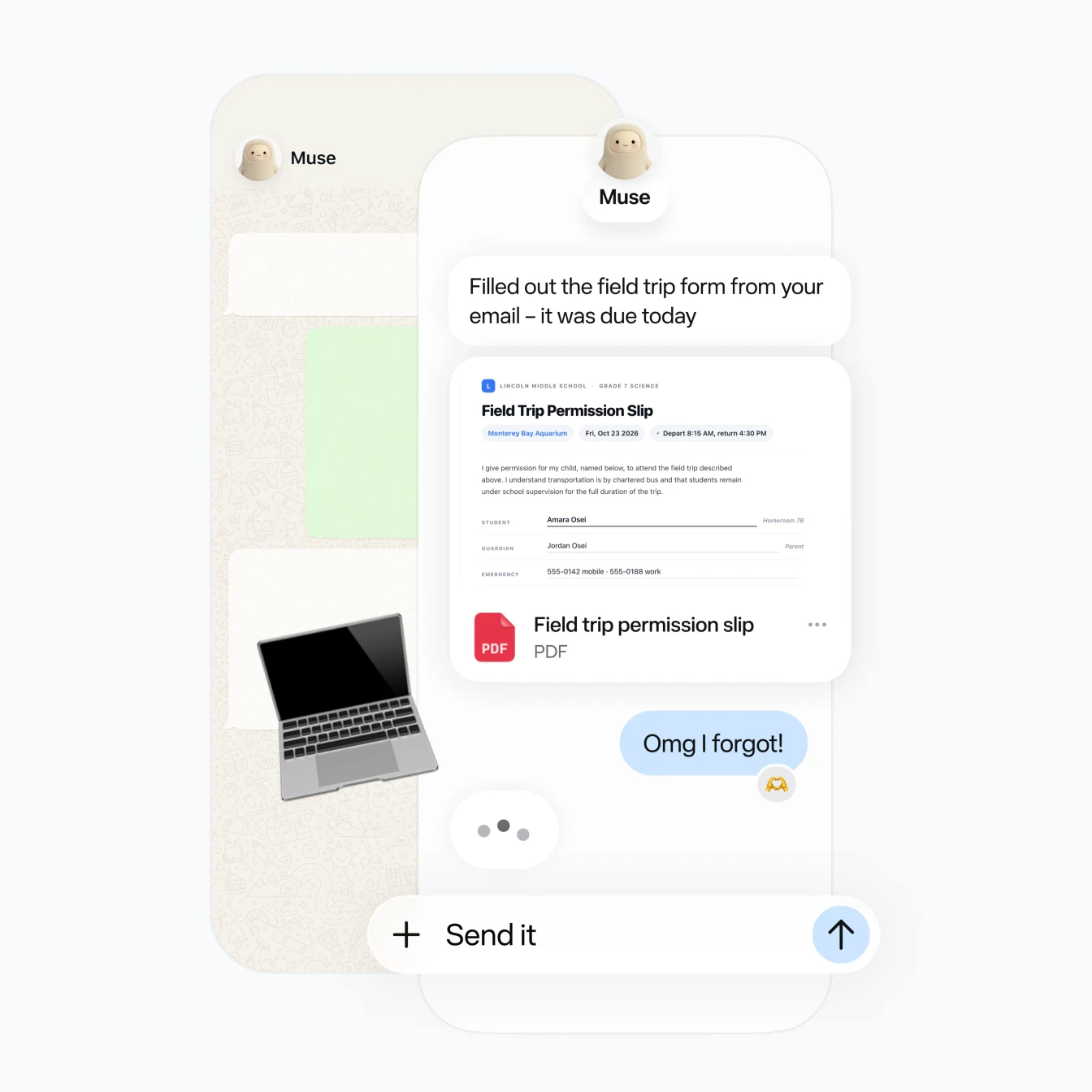
Muse feature illustration: handle and create documents in a conversation

Find information and make it clearer

Muse is Meta’s personal AI agent. Describe what you need in everyday language and let it help you find information, organize key points, and create content.

Web research and organization

Gather information about a question and extract the key points to help you understand the topic and compare findings.

Document and image generation

Describe the topic, purpose, and requirements, and let Muse help you create documents and generate images.

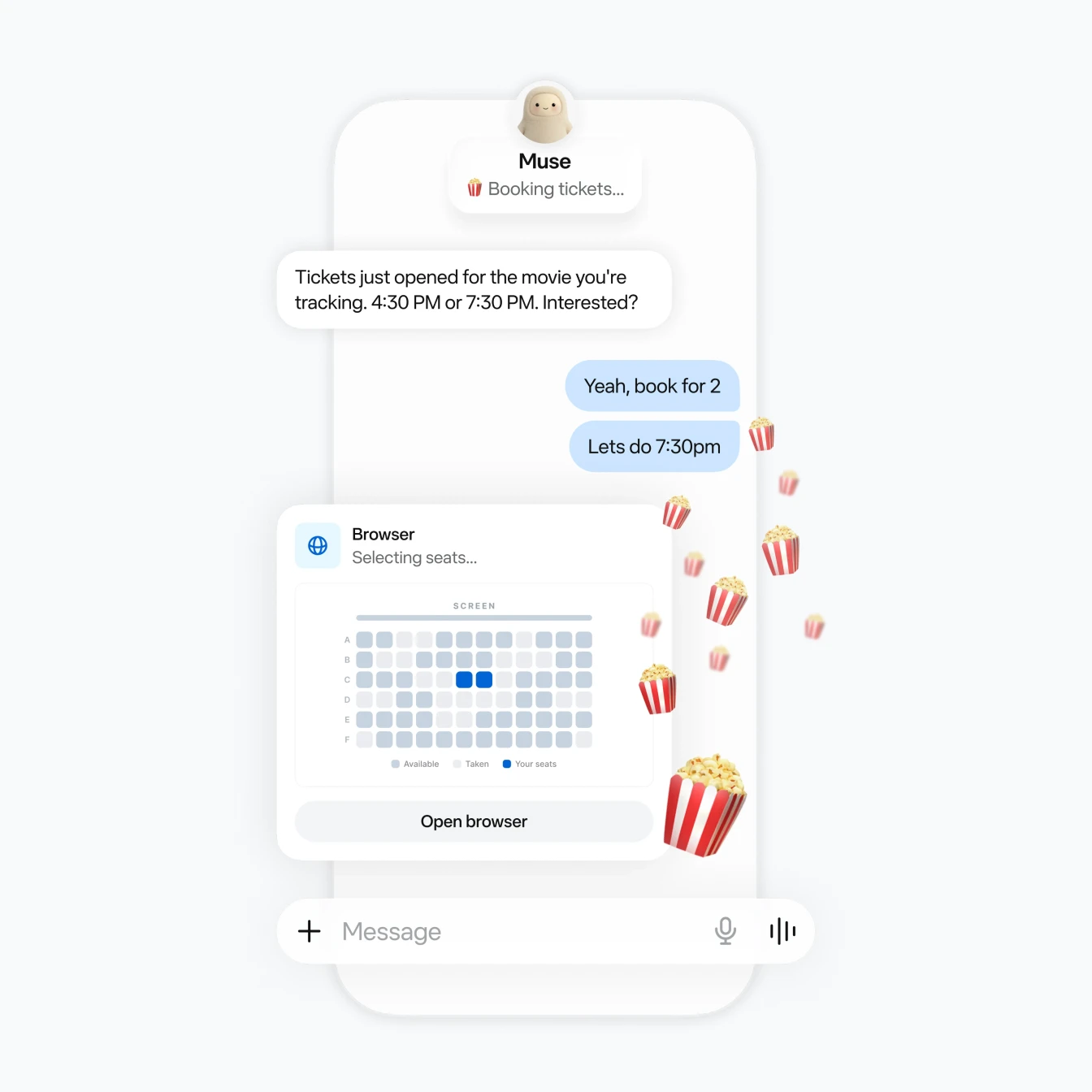
Muse feature illustration: carry out web tasks in a browser

Define your goal and move tasks forward

From gathering information to organizing the results, give Muse the task you want to complete and let it work through your instructions.

Tasks with multiple steps

Muse can break a task into steps and browse the web to turn a goal into specific actions.

Try starting with:
“Find information on this topic, organize the key points, and create a document.”

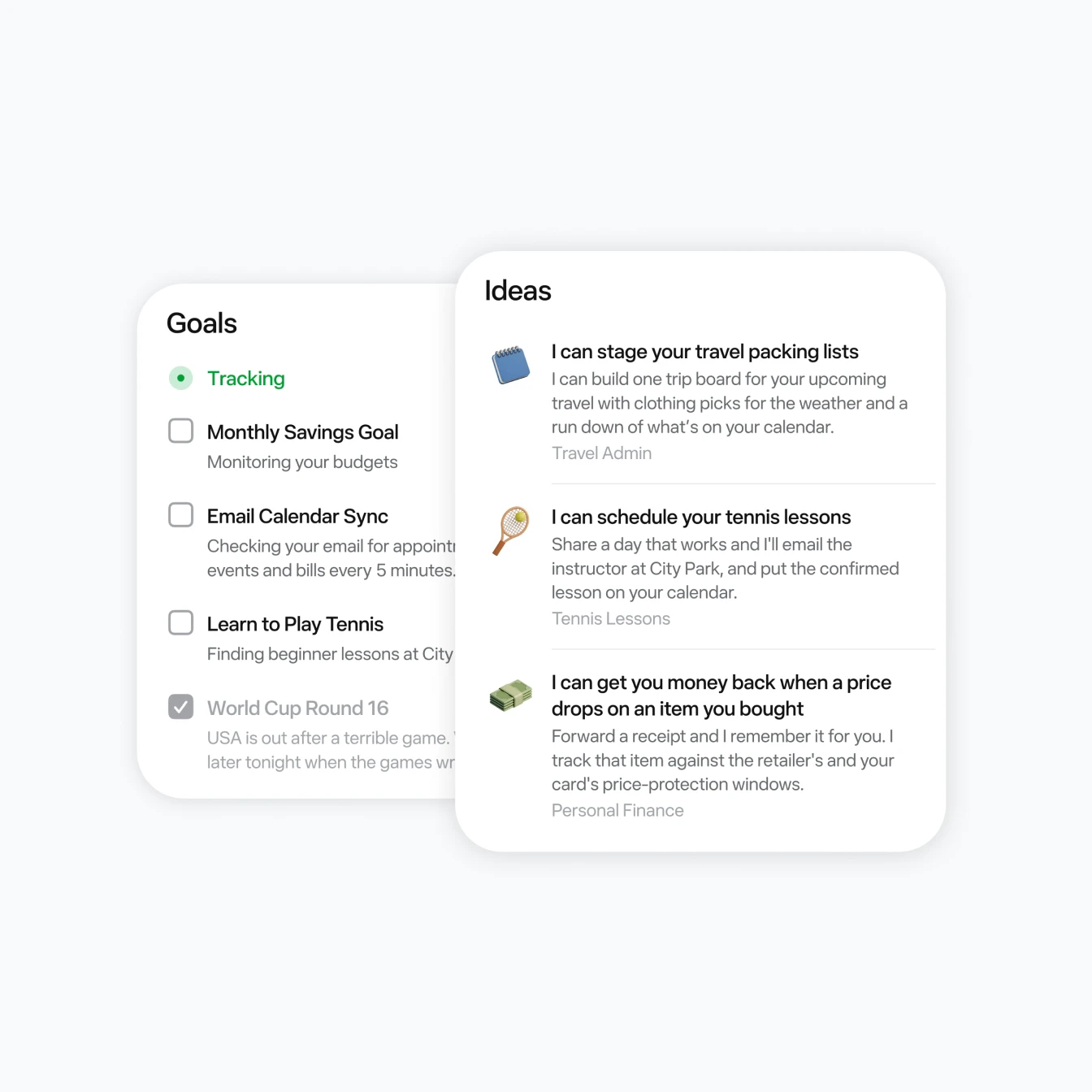
Muse feature illustration: organize goals and ideas for future tasks

Available features follow the details shown in your account.

Ready-to-use accounts: three steps to sign in

Have your account email address and the provided email login or code retrieval details ready.

  1. Enter your account email on Muse AI

    Open the Muse AI sign-in page, enter the email address provided, and request a login verification code.

  2. Get the code from the matching inbox

    Open the mailbox entry provided with your account, use the provided email login or code retrieval details to access the matching inbox, and find the verification code from Muse AI.

  3. Return to Muse AI and enter the code

    After signing in, check your Token balance and complete the initial account setup.

Ready-to-use accounts: first-login settings

1. Set your own account password

Follow the path below, select “Forgot your password”, and use the email verification code to set your password:

General → Meta account → Login and security → Change password → Forgot your password

2. Sign out other sessions

Review login sessions in your account security settings. Sign out other sessions and keep your own current session.

Purchase and usage notes

For ready-to-use accounts, the warranty covers the first login only. Sign in promptly after receiving your account, set your password, and sign out other sessions. If you have a problem with your first login, contact ezsub support.

Tokens come from referral rewards. Token validity follows Muse AI’s usage rules and the details shown in your account. We recommend using your Tokens soon after purchase.

FAQ

Muse AI FAQ

Answers about account delivery, login, Tokens, and support.

What will I receive after purchase?

You will receive a Muse AI account that is already registered and includes Tokens, along with its email address and the email login or code retrieval details. Sign in with an email verification code.

How do I sign in and get the verification code?

  1. Open the Muse AI login page, and enter the account email address provided.
  2. Open the the mailbox entry provided with your account, access the matching inbox using the provided email login or code retrieval details, and get the verification code.
  3. Return to Muse AI and enter the verification code to finish signing in.

What should I do after my first login?

Check your Token balance, set your own account password, and sign out other login sessions.

Password setup path

General → Meta account → Login and security → Change password → Forgot your password

Set your password with the email verification code, then sign out other sessions in your account security settings.

Where do the Tokens come from, and how long are they valid?

Tokens come from referral rewards. Their validity follows Muse AI’s usage rules and the details shown in your account. We recommend using them soon after purchase.

What does the account warranty cover?

The warranty covers your first login only. Complete your first login promptly after receiving the account. If you have a problem with your first login, contact ezsub support.